Whether you’ve just wrapped up a family outing, wandered the city at night, or spent a full vacation day taking photos, your camera probably went through a variety of conditions and settings you dialed in along the way. Before you pack your gear and call it a day, taking a moment to reset a few key settings can save you from ruined shots the next time you go out.
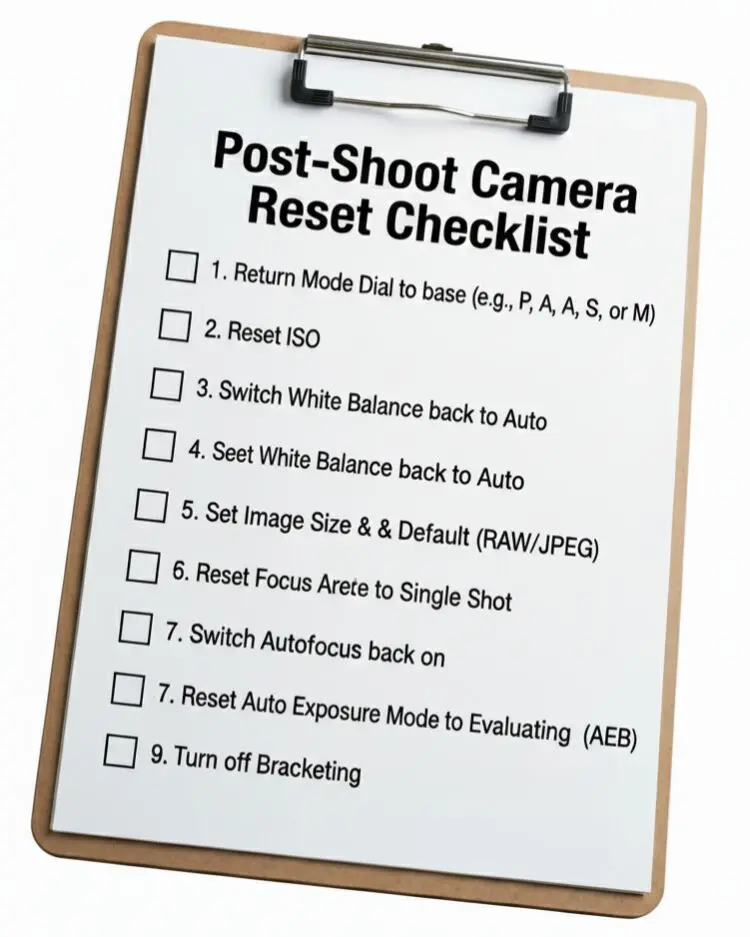
TL/DR: Reset these nine settings after each shoot—mode dial, ISO, white balance, drive mode, image quality, exposure compensation, autofocus, metering mode, and exposure bracketing—so your camera starts fresh and behaves predictably the next time inspiration strikes.
-
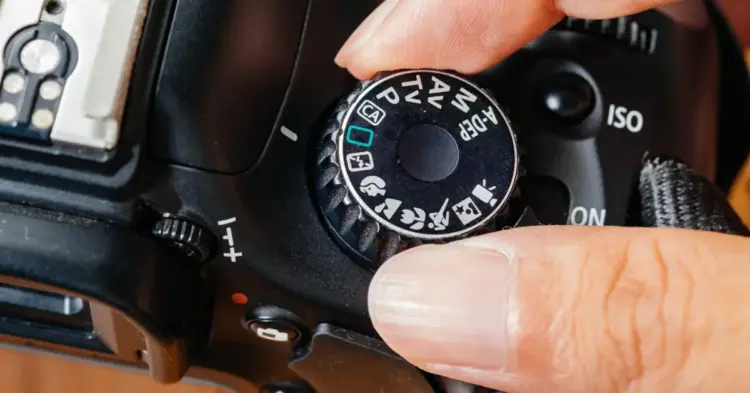
Mode Dial
Return your camera to your standard shooting mode—whether that’s Program, Aperture Priority, Shutter Priority, or Manual. Leaving it stuck on a specialty or scene mode can completely change how the camera behaves next time you power it on.
-
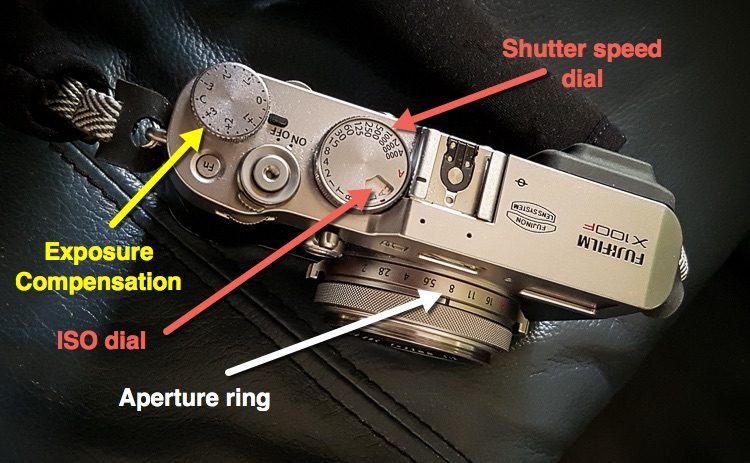
ISO
Bring ISO back down to your base value (typically 100 or 200). High ISO is great for low light, but if you forget to reset it, you may end up with noisy images in bright conditions.
-
White Balance
Switch back to Auto White Balance (or your preferred standard setting) after using a custom white balance. Otherwise, your next session might start with odd color casts.
-
Drive Mode (Single vs Continuous)
Reset the drive mode to your everyday choice. Accidentally leaving it on burst mode can fill your card with unwanted frames—or slow you down if you expected rapid fire but the camera is set to single shot.
-
Image Size & Quality
If you swapped to smaller JPEGs or experimented with different formats, set your camera back to your preferred high‑quality mode. You can always downsize later, but you can’t enlarge what was never captured.
-
Exposure Compensation
Bring exposure compensation back to zero. Forgetting to undo a previous +1 or –2 adjustment can lead to unintentionally over‑ or underexposed images.
-
Autofocus
Switch autofocus back on (or to your normal AF mode) if you disabled it or changed tracking behavior for a specific situation. This keeps your next session sharp from the first frame.
-
Metering Mode
Reset your metering to your default—usually evaluative or matrix. Leaving the camera on spot metering can cause unpredictable exposures in mixed lighting. Read: Exposure vs Metering Modes.
-
Auto Exposure Bracketing (AEB)
Turn off AEB if you used it for HDR or exposure experiments. Otherwise, you’ll start your next shoot with unexpected sequences of over‑ and under‑exposed images.
Ready to Strengthen the Fundamentals?
If you want to build more confidence in how your camera works, and avoid common beginner frustrations, our Photography Basics email course is a great next step. It walks you through the essential concepts that make photography easier, more consistent, and more fun.
Conclusion
Resetting these nine simple settings takes less than a minute but prevents countless headaches later. Making this a regular habit means your camera is always ready for whatever you photograph next, without surprises or misfires.
Build the habit, save the frustration, and start your next session with confidence.

About Aaron Hockley
Aaron Hockley has been a Vancouver, Washington photographer for around twelve years; folks have been paying him for his photo services for the past four. Professionally he works most often with small businesses, creating images to help tell the stories of the people, places, products, and events that drive local commerce. Aaron can often be found writing and speaking about topics for the modern photographer. Most recently he’s spoken about social media for photographers at SmugMug meetup groups in California, Utah, and Oregon. It’s entirely possible that he’s also made several of the mistakes referenced in the article above and that he learns by experience 😉
